
Blog / Invoicing Apps
Free vs Paid Invoicing Apps: Which Is Right for You?
Free vs paid invoicing apps for contractors: how free apps make money, common limits, what paid plans add and a simple way to decide which fits your work.
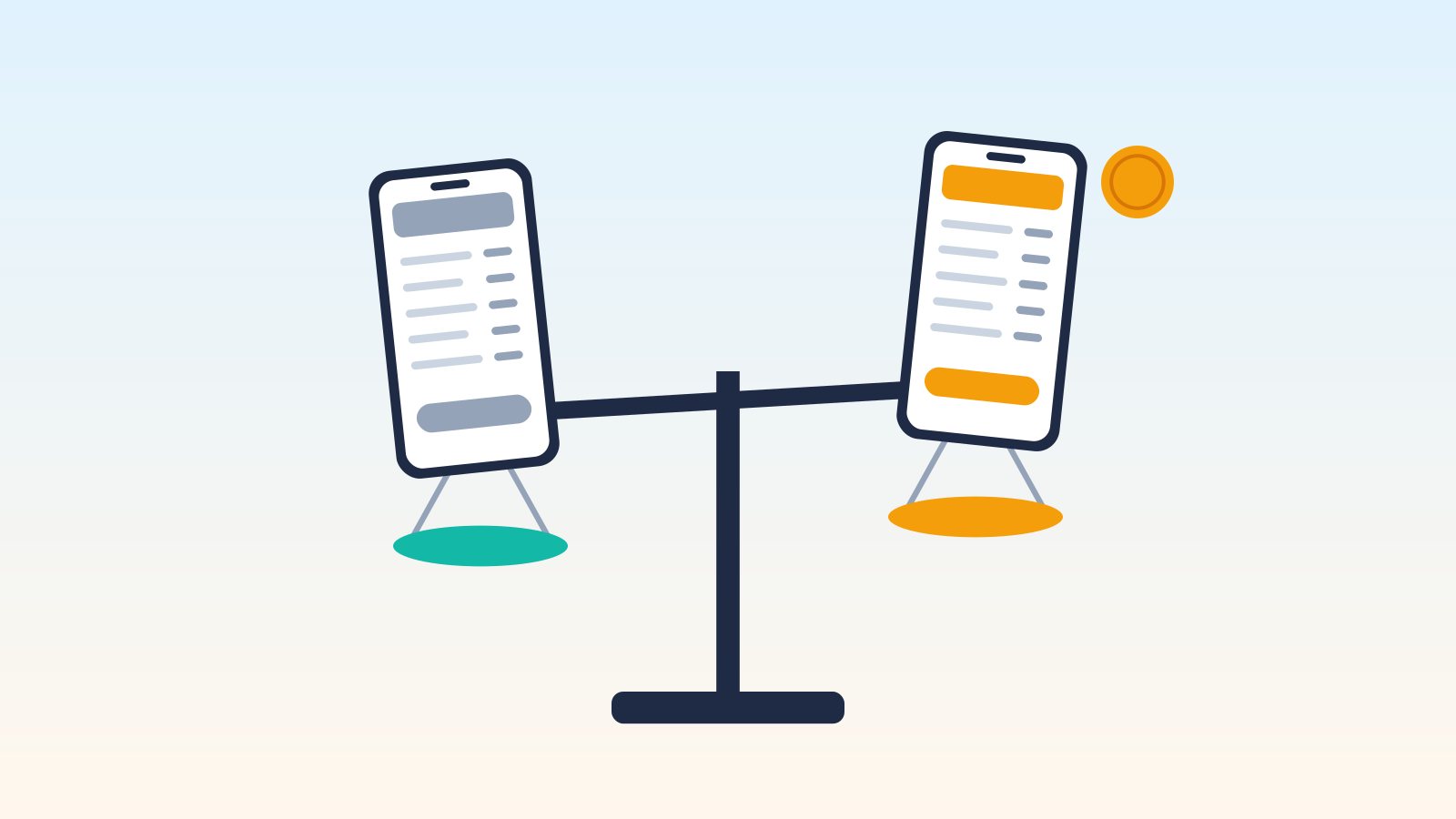
"Why pay for an invoicing app when there are free ones?" It's a fair question, especially when you're starting out and every dollar counts. Sometimes a free plan is all you'll ever need. Other times, a few dollars a month saves you hours and looks more professional to customers.
This guide explains how free invoicing apps make money, the limits you'll commonly run into, what paid plans usually add and how to decide which makes sense for your contracting business. Examples come from each company's own website as of October 2026; plans change often, so double-check before you sign up.
Disclosure: This article is published by SnipInvoice, which offers both a free and paid plans.
How do free invoicing apps make money?
Free isn't a charity. Knowing the business model helps you understand the trade-offs:
- Payment processing fees: Many free apps earn money when your customers pay by card or bank transfer through the invoice. Square Free, for example, has no monthly fee, but charges processing fees on payments (3.3% + 30¢ for online invoice card payments on the Free plan, per Square's pricing page).
- Upgrades: Free plans are a way to try the product, with paid tiers unlocking more invoices or features.
- Ecosystem: Some companies offer a free invoicing tool as part of a larger suite of business software.
- Branding: A small "made with" footer on your invoices introduces the app to your customers.
None of these are bad, but they affect your real cost.
Common limits on free plans
| Limit | What it looks like | Example (from company sites, Oct 2026) |
|---|---|---|
| Invoice caps | A set number of invoices per month or year | QuickBooks Free: 2 invoices/month (unlimited if you qualify for and enable QuickBooks Payments); Zoho Invoice: 500/year; SnipInvoice Free: 3/month |
| Branding | The app's name on your invoices | Zoho Invoice ("Powered by Zoho Invoice"); SnipInvoice Free ("Made with SnipInvoice" footer) |
| Feature limits | Some tools are paid-only | Wave: bank auto-import, receipt capture and automated reminders are Pro features |
| Users | Limits on team members | Zoho Invoice: up to two users; QuickBooks Free: one user |
| Higher processing fees | Free plans may have higher per-payment fees | Wave Starter: 2.9% + $0.60 per card transaction; Square Free: 3.3% + 30¢ online |
| Platform limits | Some free plans lack mobile apps or integrations | QuickBooks Free: Intuit says mobile app access isn't currently available |
| Inactivity rules | Data may be removed after long inactivity | Zoho Invoice: inactive over 180 days, data may be deleted after notice |
Not every free plan has every limit. Read the plan details for the app you're considering.
What paid plans usually add
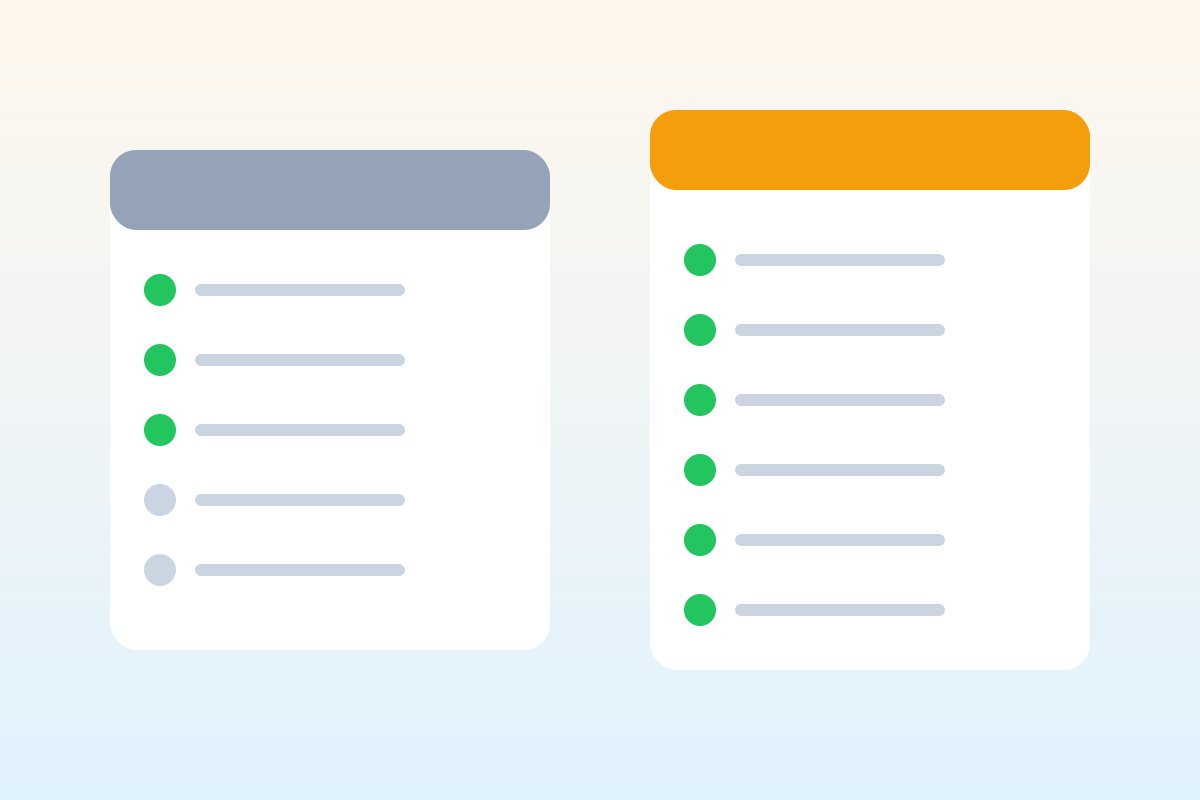
- More (or unlimited) invoices
- No app branding on your documents
- Lower processing fees on some platforms
- Automation: recurring invoices, reminders, bank imports
- Extras: photos, signatures, deposits, reports
- More users and team permissions
- Support: phone support or faster response times
Some apps don't have a free plan at all and offer a free trial instead. Joist, Invoice Simple, Jobber and Housecall Pro each list a 14-day free trial on their sites.
The real cost of "free"
Free can still cost you money in other ways:
Processing fees
If customers pay by card through a free app, those fees can add up. On a $1,000 invoice, a 3.3% + 30¢ fee is $33.30. That's normal for card payments and often worth the convenience, but it's a real cost. Many contractors also accept checks or bank transfers to avoid card fees.
Your time
If a free tool makes you re-enter customer details, fix formatting or chase down old invoices, the time cost can exceed a small subscription.
Professional image
Some customers won't notice a small footer; others might. Decide whether branding matters for your market.
Switching later
Moving your customers, items and invoice history to a new app takes time. Check whether you can export your data before you commit.
Paid isn't always better
A more expensive app isn't automatically right for you:
- Paying for features you don't use is the most common waste. A solo painter may not need dispatching or GPS tracking.
- Monthly costs add up. $50 a month is $600 a year.
- Commitment terms vary. Some plans offer discounts for annual or 12-month commitments; check cancellation terms.
Example: what a year might cost
Here's a simple way to compare, using a contractor who sends 12 invoices a month and gets most payments by check or bank transfer:
- A free plan with a 3-invoice limit won't cover the volume, so it's really a trial.
- A free plan with no invoice cap costs nothing in subscriptions, but you'll pay processing fees on any card payments customers make through it.
- A paid plan with a monthly limit that covers 12+ invoices might cost somewhere in the range of a few dollars to around $20 a month, depending on the app.
- A field service platform costs more, but replaces separate scheduling and customer messaging tools if you'd use them.
Multiply each by 12 months, add estimated processing fees and you'll quickly see which is the best value for how you actually work.
How to decide: free or paid?
Ask yourself these questions:
- How many invoices do I send per month? Compare that to each plan's limit.
- Do I need customers to pay through the invoice? If so, compare processing fees, not just subscription prices.
- Do I care about app branding on my invoices?
- Do I need a team or accountant to have access?
- Which features will I actually use every week?
- Can I export my data if I switch?
| Your situation | Likely fit |
|---|---|
| Just starting, a few invoices a month | Free plan, upgrade later |
| Steady work, want a clean professional look | Low-cost paid plan |
| Want invoicing plus bookkeeping | Free or paid accounting-focused option |
| Team with scheduling and dispatch | Paid field service platform |
A simple way to test
- Sign up for a free plan or trial of one or two apps.
- Create a real invoice for a recent job on each.
- Time how long it takes and look at the PDF your customer would see.
- Check the costs at your actual volume, including fees.
- Choose, and set a reminder to review in six months.
Where SnipInvoice fits
SnipInvoice has a Free plan with 3 invoices a month and a small "Made with SnipInvoice" footer. Paid plans are Starter at $5.99 (6 invoices a month), Busy at $13.99 (15) and Unlimited at $19.99 a month, with no footer. Every plan includes the same features, and quotes are free and don't count toward the limit. There's no annual plan and no trial; the Free plan is the way to try it. SnipInvoice doesn't process card payments, so there are no processing fees from the app, but customers can't pay by card through it either.
FAQ
Are free invoicing apps safe to use?
Reputable providers describe their security practices on their sites. Check privacy and data policies, enable two-factor authentication where available and make sure you can export your data.
What's the catch with free invoicing apps?
Usually limits on invoice volume, branding on documents, fewer features or processing fees on payments. These aren't hidden; they're in each plan's details.
When should I upgrade to a paid invoicing plan?
When you regularly hit your free plan's limits, need a feature that's paid-only, or want to remove app branding from your invoices.
Is a free trial the same as a free plan?
No. A free trial gives temporary access, often to top-tier features, and then you choose a paid plan. A free plan can be used indefinitely within its limits.
Try it free on your next three invoices. SnipInvoice is launching soon on iOS and Android. See how it works.