
Blog / Invoicing Apps
Invoicing App vs Spreadsheet vs Paper: Pros and Cons
Invoicing app vs spreadsheet vs paper invoice book: an honest comparison of cost, speed, accuracy and record keeping for contractors, plus when to switch.
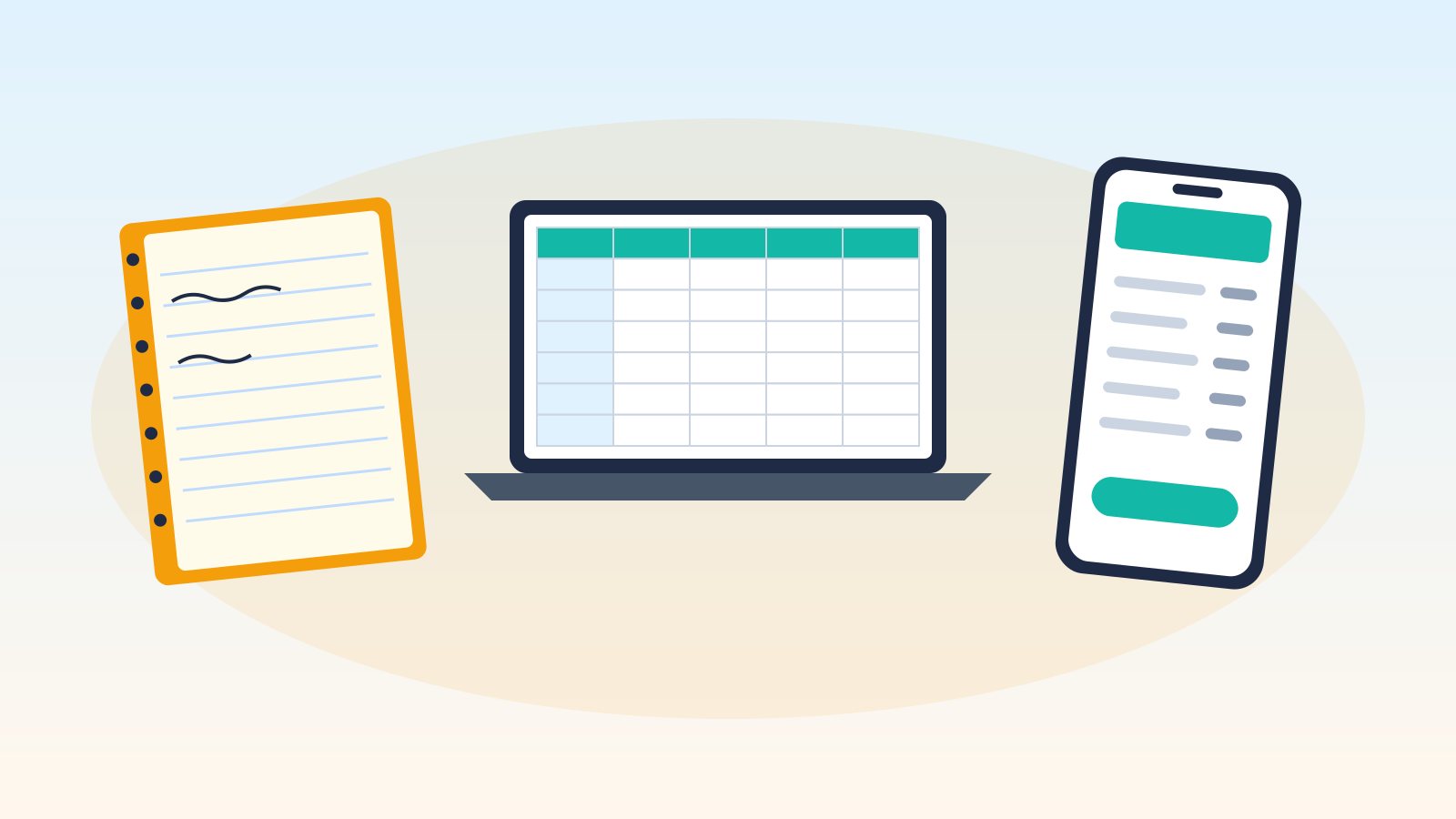
Plenty of successful contractors still write invoices in a carbon-copy book from the truck. Others swear by a spreadsheet template they've tweaked for years. And a growing number use an invoicing app on their phone. Each method can work, but they differ a lot in speed, accuracy, cost and how easy your records are to find at tax time.
This guide gives an honest comparison of paper invoices, spreadsheets and invoicing apps for trade contractors, so you can pick the method that fits your business today and know when it's time to switch.
Disclosure: This article is published by SnipInvoice, which makes an invoicing app. We've tried to give each method a fair hearing.
The three methods at a glance
| Paper invoice book | Spreadsheet (Excel, Google Sheets) | Invoicing app | |
|---|---|---|---|
| Upfront cost | Low (a few dollars per book) | Often free with software you have | Free plans to monthly subscriptions |
| Speed per invoice | Fast to write; slow to deliver if mailed | Moderate; usually done at a computer | Fast, often on site |
| Math errors | Possible (manual totals and tax) | Fewer if formulas are right | Calculated automatically |
| Professional look | Depends on handwriting | Good with a decent template | Consistent branded PDF |
| Invoice numbering | Pre-printed numbers | Manual; easy to duplicate | Usually automatic |
| Tracking unpaid invoices | Manual | Possible with extra columns | Usually built in |
| Searching old invoices | Flip through books | Search the file | Search by customer or number |
| Backup | Physical copy only | Depends on where you save it | Typically stored in the cloud; check export options |
| Works without internet | Yes | Desktop versions, yes | Varies by app |
Paper invoice books
The classic duplicate or triplicate invoice book gives the customer a copy on the spot and leaves one in the book for you.
Pros
- Cheap and simple; no learning curve
- Works anywhere, no battery or signal needed
- Customer gets a copy immediately
- Pre-numbered pages help keep numbering in order
Cons
- Handwriting and math errors, especially with sales tax
- Copies can fade, get wet or get lost
- Hard to search, total or track unpaid invoices
- Data has to be re-entered for your bookkeeping
- Harder to send if the customer isn't there
Best for: Very low volume, cash-heavy work, or as a backup when your phone dies.
Spreadsheet invoices
Many contractors build or download an invoice template in Excel or Google Sheets, then save each invoice as a PDF to email.
Pros
- Free or low cost
- Fully customizable layout
- Formulas handle totals and tax
- Easy to keep a running log of invoices in another tab
Cons
- Usually done at a computer, often at night
- Easy to overwrite a template or duplicate an invoice number
- Formulas can break without you noticing
- Tracking payments takes discipline and extra columns
- Files scattered across folders are hard to manage
- Less convenient on a phone
Best for: Contractors who are comfortable with spreadsheets, send a modest number of invoices and do their paperwork at a desk.
Invoicing apps
Invoicing apps are built specifically to create, send and track invoices, usually from your phone and computer.
Pros
- Automatic numbering, totals and tax calculations
- Saved customers and line items speed things up
- Consistent, professional PDFs
- Track paid, unpaid and overdue invoices in one place
- Many apps convert quotes to invoices
- Many offer exports for your bookkeeper
Cons
- Monthly cost on many plans, or limits on free plans
- Learning curve, though usually short
- Depends on your phone and, for some features, internet
- Your data lives with a provider, so check export and privacy policies
Best for: Contractors who want to invoice on site, send more than a few invoices a month or want an easy view of who owes what.
What matters for your records
Whatever method you use, your invoices are part of your business records. The IRS lists invoices among the supporting documents for gross receipts and says records must support the income and expenses you report (IRS: What kind of records should I keep). Some practical points:
- Keep copies of every invoice, paper or digital, organized so you can find them.
- Use a consistent numbering system without duplicates.
- Record which invoices have been paid and how.
- Back up digital records in more than one place.
- Check your state's rules on what invoices must show, such as sales tax or license numbers, since requirements vary.
Ask your accountant how long to keep records for your situation.
Real costs compared
It's easy to compare sticker prices, but the bigger costs are often hidden:
- Time: Writing an invoice in the truck takes minutes; typing up a spreadsheet invoice at night after a long day may take longer, and invoices that wait often get paid later.
- Errors: A wrong total or missed tax line means an awkward correction and a delayed payment.
- Lost paperwork: A lost invoice can mean lost income.
- Re-entry: Paper invoices have to be entered again for your books.
For many contractors, the hidden time and error costs outweigh a small subscription. For others with very low volume, paper is perfectly fine.
Signs it's time to switch methods
Consider moving from paper or spreadsheets to an app if:
- You're doing invoices at night or on weekends
- You've lost track of who has paid
- You've sent duplicate invoice numbers or math errors
- Your accountant spends hours sorting your paperwork
- Customers ask for emailed or texted invoices
- You're adding a helper who also needs to invoice
A hybrid approach
You don't have to go all in. Many contractors:
- Use an app for most jobs and keep a paper book in the truck as a backup
- Use a spreadsheet as a payment log alongside paper invoices
- Use accounting software for books and a simple app for on-site invoicing
Making the switch
- Pick a start date, ideally the start of a month or quarter.
- Continue your numbering or start a clearly new sequence, and note it for your accountant.
- Add your regular customers and common line items to the new system.
- Keep your old paper books or files, organized by year.
- Run both for a couple of weeks if it helps you feel confident.
Where SnipInvoice fits
SnipInvoice is an app built around speed on site: you describe the job by voice or typing, review the draft (prices you didn't say stay blank), then share the PDF from your phone. Invoice numbers are gapless and automatic, payments you record show what's still owed and the account owner can export every invoice, quote, customer and line item as one file. There's a Free plan with 3 invoices a month.
FAQ
Is it okay to use paper invoices as a contractor?
Yes, paper invoices can be perfectly valid as long as they contain the information you and your customer need and you keep organized copies for your records. Check your state's requirements for what must appear on an invoice.
Can I use a spreadsheet for invoicing?
Yes. A spreadsheet template works well for many small businesses. Protect your formulas, keep a separate log of invoice numbers and payments, and back up your files.
Are invoicing apps worth the cost?
For many contractors, the time saved and fewer errors justify a modest monthly cost. If you send very few invoices, a free plan, a spreadsheet or paper may be enough.
What's the easiest way to switch from paper to an app?
Pick a start date, add your regular customers and line items, keep your numbering consistent and keep your old paper copies organized for your records.
Leave the carbon copies in the glovebox. SnipInvoice is launching soon on iOS and Android. See how it works.